Back to Blogs
Learn what to look for in affordable video incident review software, including AI search, case management, alerts, and analytics.
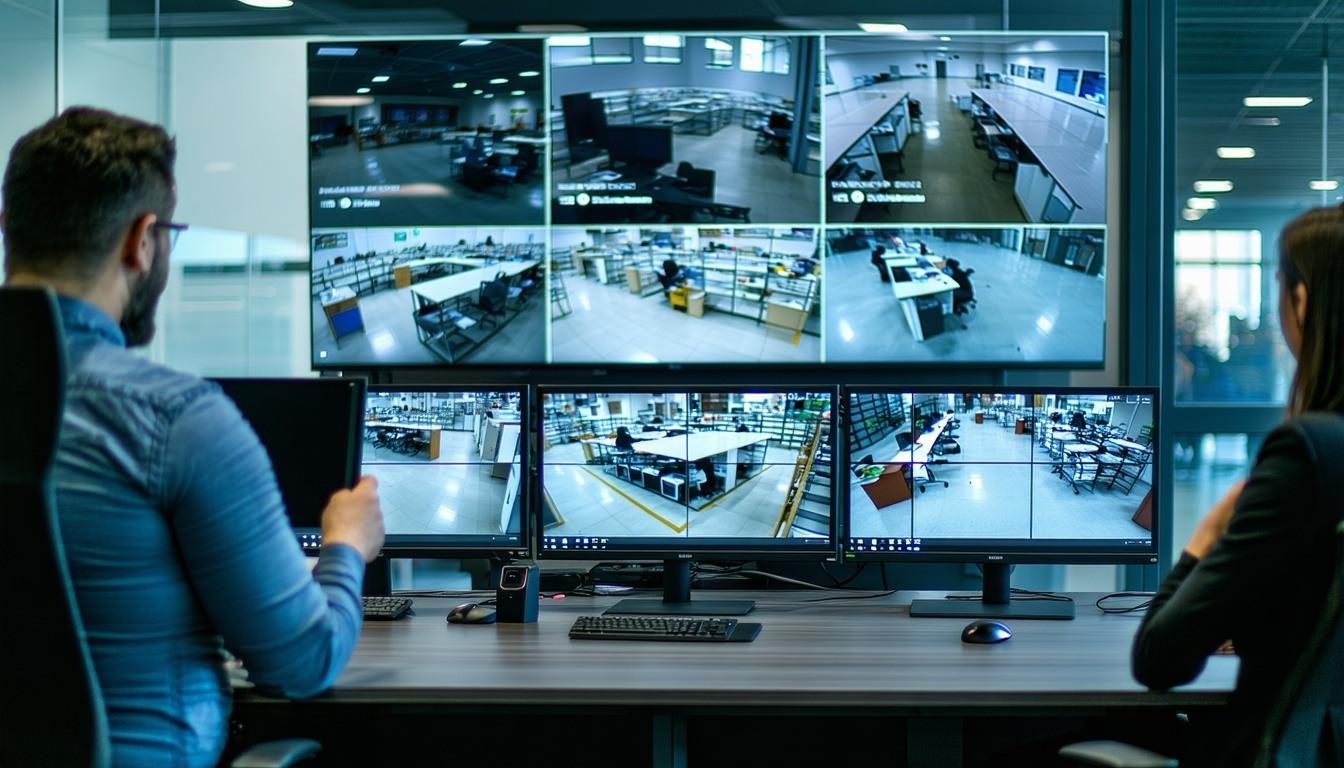
Businesses looking to improve video security do not necessarily need to choose between a basic recording system and a costly full replacement.
A more practical approach is to evaluate the total value of the platform. That includes how much existing hardware can remain in place, how quickly teams can find relevant footage, which analytics are actually useful, and how easily the system can expand as the business grows.
For organizations with compatible cameras already installed, a hybrid edge and cloud platform can provide AI-powered incident review, analytics, alerts, and centralized management without automatically replacing the entire camera system.
The lowest subscription price does not always result in the lowest total cost.
Businesses should compare the full cost of installing, managing, and expanding a video security system.
Important factors include:
Cost effectiveness is ultimately about getting useful security and operational capabilities from the total investment, not simply finding the cheapest software license.
Modern video security software should do more than record footage.
When an incident occurs, authorized teams need tools that help them find relevant video, understand what happened, and organize the evidence.
AI search can help users narrow recorded footage using supported criteria such as people, vehicles, movement, colors, license plates, or objects.
Instead of reviewing recordings minute by minute, teams can focus on the footage most likely to be relevant.
An incident may move through several areas of a property.
Being able to review footage from multiple cameras can help teams build a clearer timeline across entrances, parking areas, offices, warehouses, retail spaces, or other locations.
Finding a clip is only the beginning of an investigation.
Case management allows authorized users to collect video clips, screenshots, forms, notes, and related materials in one place. This can simplify internal reviews and make approved information easier to share when necessary.
Businesses may need to provide relevant footage to leadership, insurers, legal teams, public safety agencies, or other authorized parties.
The platform should make it easy to share only the appropriate video while maintaining control over access.
Configured alerts can bring supported activity to the attention of staff when something may require review.
Rather than relying entirely on continuous live monitoring, teams can focus on specific events around entrances, restricted areas, perimeters, or other designated locations.
Not every employee needs access to every camera or video feature.
Role-based controls allow businesses to determine which cameras, locations, footage, and platform functions are available to each user.
Cloud-connected management can give authorized owners, managers, and security personnel access to live and recorded video when they are away from the facility.
The most valuable analytics are the ones that solve an actual operational or security problem.
Depending on the business and system configuration, useful analytics may include:
Video analytics can help teams understand movement around entrances, parking areas, warehouses, yards, retail floors, and other monitored spaces.
For businesses where vehicle activity matters, license plate recognition can help authorized teams find relevant vehicle footage and review activity around entrances or parking areas.
Configured alerts can help draw attention to supported activity around designated perimeters, employee-only spaces, gates, storage areas, or other restricted locations.
Video intelligence can also support operational analysis.
Depending on the environment, businesses may use analytics to better understand foot traffic, throughput, queue activity, or how certain areas are being used.
In supported environments, AI analytics may also help identify certain safety-related events, such as PPE activity or slip and fall incidents.
These tools should support human review and established safety procedures rather than be treated as a guarantee that every incident will be detected.
One of the biggest factors affecting the cost of a video security upgrade is how much hardware needs to be replaced.
LiveReach is designed to work with many existing camera environments. Its AI-NVR can connect compatible cameras to newer capabilities such as AI-powered search, alerts, case management, analytics, and centralized management.
This retrofit approach can make modernization more practical for businesses that already have useful camera infrastructure.
Existing equipment should still be reviewed before deployment. Camera condition, image quality, network configuration, placement, and compatibility can determine which cameras should remain and where upgrades make sense.
The goal is not to keep every camera. It is to avoid replacing working equipment unnecessarily.
LiveReach combines an on-site AI-NVR with a cloud-connected video security platform.
The LiveReach AI-NVR uses GPU-powered processing to handle video for AI search and analytics while connecting compatible camera environments with centralized management tools.
Businesses can use LiveReach for capabilities including:
LiveReach can work with many compatible existing camera environments, allowing organizations to modernize without automatically pursuing a full rip-and-replace project.
For businesses that need additional or replacement hardware, LiveReach can also provide NDAA-compliant IP cameras.
LiveReach also supports integrations with tools such as Slack for alert workflows and Jotform for forms, along with other supported security and operational integrations.
Before selecting video incident review software, ask:
The best low-cost platform is not necessarily the one with the smallest monthly bill. It is the platform that provides the capabilities the business actually needs while minimizing unnecessary hardware, complexity, and manual work.
For businesses with compatible existing cameras, one cost-effective option is to modernize the recording and management layer rather than replacing the entire camera system.
An AI-enabled NVR can add capabilities such as video search, alerts, case management, analytics, and remote access while preserving usable camera infrastructure.
Yes, depending on the platform and camera environment.
LiveReach is designed to work with many existing camera environments, allowing businesses to modernize without automatically replacing every camera.
Camera compatibility, image quality, networking, and the required features should be evaluated before deployment.
AI video search uses video intelligence to index recorded footage and help authorized users locate supported people, vehicles, objects, movement, colors, license plates, or events.
This can reduce the amount of footage that needs to be reviewed manually.
Yes.
LiveReach case management allows authorized users to collect video clips, screenshots, forms, and related incident information in one place for review and approved sharing.
The answer depends on the environment.
Useful analytics may include people and vehicle activity, license plate recognition, perimeter or restricted-area activity, foot traffic trends, operational analytics, and supported safety-related events.
Businesses should prioritize analytics that address a clear operational or security need.
Yes.
LiveReach is designed to provide centralized visibility across one or multiple locations, helping authorized teams manage video, search, alerts, users, and incident workflows from the same platform.
Effective incident review should make it easier to find relevant footage, understand what happened, and organize the information needed to respond.
LiveReach helps businesses add AI-powered search, analytics, alerts, case management, and centralized management to compatible existing camera environments.
Request a Demo to see how LiveReach can help your business modernize video incident review without an unnecessary full-system replacement.
Schedule a demo of our platform to see how LiveReach can improve security at your organization.
Request Demo